Social Media Posting Planner
Use this free Social Media Posting Planner to build a simple posting schedule by platform, goal, posting frequency, and content mix. Plan consistent social media content without overcomplicating your workflow.
- Create a weekly posting schedule in seconds
- Customize by platform, goal, and posting frequency
- Plan educational, promotional, and engagement content
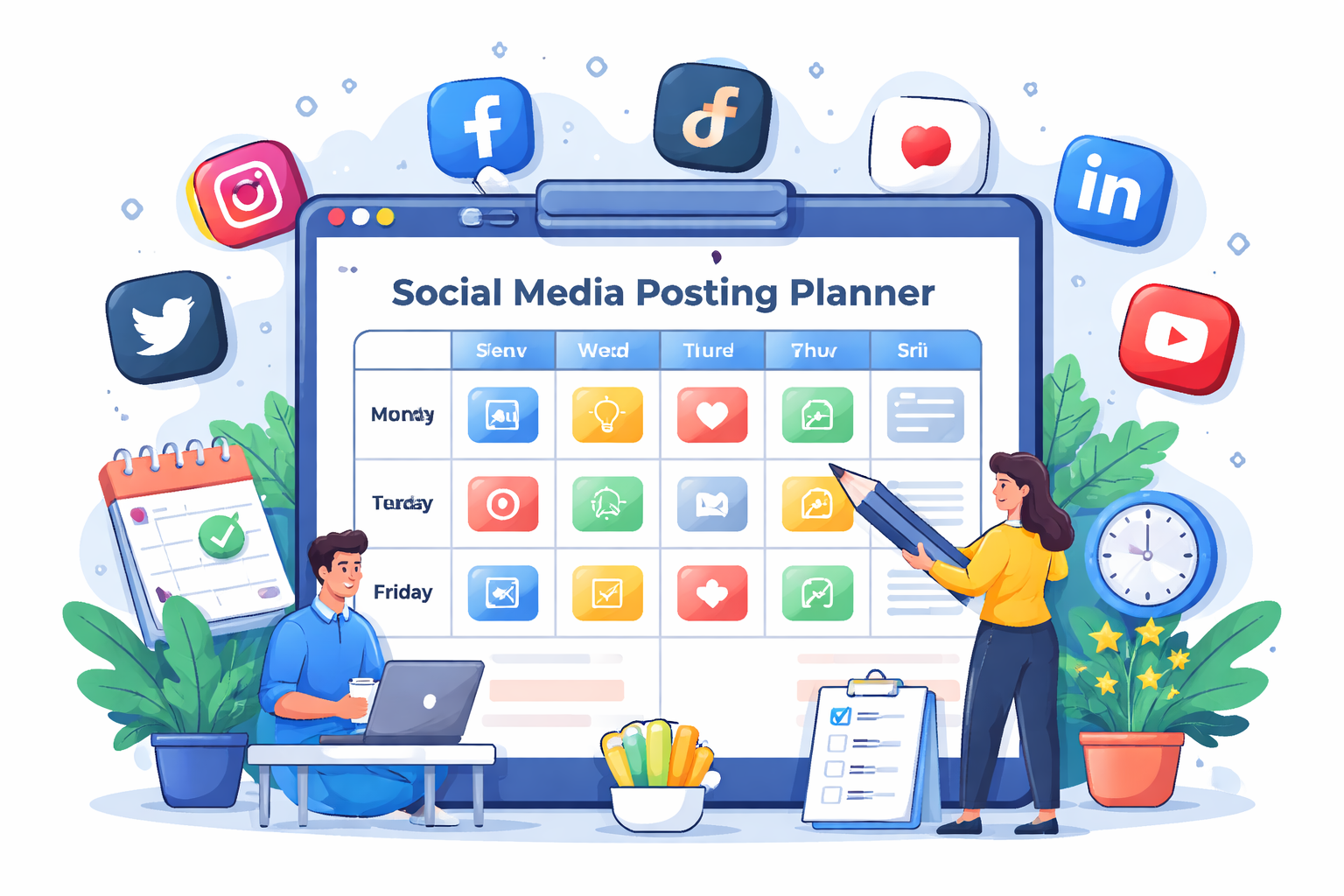
Free Social Media Posting Planner Tool
Fill in the details below and this Social Media Posting Planner will generate a simple weekly content plan you can use right away for your business, blog, or brand.
Tip: most brands do better with consistency than intensity. A realistic posting plan usually performs better than an over-ambitious schedule you can’t maintain.
How to Use This Social Media Posting Planner
- Enter your business or brand type.
- Choose the platform where you want to post most consistently.
- Select your main goal and realistic posting frequency.
- Click Generate Plan to create a weekly schedule.
- Edit the generated plan based on your real content ideas and resources.
A Social Media Posting Planner helps you stay consistent instead of guessing what to post every day. Many businesses struggle with social media not because they lack ideas, but because they lack a repeatable system. This tool gives you a simple framework you can use every week.
Why this tool matters
Social media becomes much easier when you define a posting rhythm and content mix in advance. Instead of reacting daily, you create a plan built around your business goal — whether that’s more visibility, more engagement, more traffic, or more sales. A structured Social Media Posting Planner reduces stress and makes your content more strategic.
What Should a Social Media Posting Planner Include?
A good Social Media Posting Planner should help you answer four questions clearly: what platform are you prioritizing, how often can you realistically post, what type of content should you publish, and what business goal should those posts support? Without those basics, content usually becomes inconsistent and random.
1. Platform focus
Not every business needs to be active everywhere. A B2B consultant may do better on LinkedIn, while an ecommerce brand may prioritize Instagram or TikTok. Your Social Media Posting Planner should help you focus effort where your audience already spends time.
2. Clear business goal
If your goal is awareness, your posts should look different from a sales-driven campaign. Awareness content may emphasize storytelling, educational insights, and visibility. Sales content may include product demos, offers, and testimonials. That is why the planner asks for your main goal before generating a posting schedule.
3. Content mix
The strongest social strategies usually combine multiple content types. A simple weekly mix might include educational posts, engagement posts, promotional posts, customer proof, and behind-the-scenes content. A balanced mix keeps your audience interested while still moving them toward action.
4. Realistic frequency
A Social Media Posting Planner should give you a schedule you can actually maintain. Many brands fail because they plan seven days of content but stop after a week. It is better to post three strong times per week consistently than publish every day for one week and disappear.
Who Should Use This Social Media Posting Planner?
- Small businesses trying to stay consistent online
- Freelancers and consultants building a personal brand
- Ecommerce stores planning weekly offers and engagement content
- Agencies managing posting schedules for clients
- Creators and bloggers promoting content regularly
- Founders who need a lightweight social media workflow
If you are posting irregularly or spending too much time deciding what to publish, this Social Media Posting Planner can simplify your content process.
Best Practices for Social Media Content Planning
Batch your ideas
Instead of creating content one day at a time, set aside time each week to brainstorm, write, or design multiple posts at once. This makes your schedule easier to sustain.
Match content to platform behavior
LinkedIn often rewards professional insights, while Instagram favors visual storytelling, and X works better with quick ideas, opinions, and updates. Your Social Media Posting Planner should always reflect the culture of the platform you are using.
Reuse winning themes
If a certain post style performs well, repeat the format with a new angle. Social media planning is not about reinventing everything every week — it’s about finding repeatable content themes that work.
Include calls to action
Posts should often guide users to the next step. That might mean visiting your website, replying to a question, downloading a resource, or exploring your Free Business Tools page.
Example Weekly Posting Plan
Here is a simple example of what a 5-post weekly schedule might look like:
- Monday: educational tip or industry insight
- Tuesday: behind-the-scenes or brand story
- Wednesday: testimonial, case study, or social proof
- Thursday: promotional offer, product feature, or CTA post
- Friday: engagement post, poll, or question
This kind of structure is exactly what a Social Media Posting Planner helps you create. It gives you variety while keeping the week aligned with your larger business objective.
How This Tool Fits Into Your Marketing System
Social media works best when it connects to other marketing assets. For example, posts can direct users to your website, newsletter, reviews, or free tools. If you want stronger website engagement from social traffic, pair this planner with your Internal Linking Tool so visitors who land on your site have a better path through your content.
And if your goal is long-term organic traffic, social can support discovery while backlinks and search visibility do the heavier lifting. That’s why many businesses combine a content plan with something like your Free Search Backlinks tool.
Related Tools on BusinessSuccessTools.com
Authority Resource
For broader guidance on building a social strategy, HubSpot’s social media marketing resources are a helpful reference: social media marketing guide. It pairs well with this Social Media Posting Planner.
Social Media Posting Planner FAQs
What is a Social Media Posting Planner?
A Social Media Posting Planner is a tool or system that helps you organize what to post, where to post, and how often to post across social media platforms.
How often should I post on social media?
It depends on your platform and capacity, but consistency usually matters more than volume. Many brands do well with 3 to 5 posts per week.
Can this Social Media Posting Planner work for small businesses?
Yes. This Social Media Posting Planner is especially useful for small businesses, freelancers, and brands that need a simple and realistic posting workflow.
Should I post the same content on every platform?
You can repurpose ideas, but each platform usually performs better when the content is adapted to its format and audience behavior.
What type of posts should I include every week?
A balanced weekly plan often includes educational posts, engagement content, social proof, promotions, and behind-the-scenes content.
Plan Content, Then Grow Traffic
Social media can help with awareness, but backlinks and SEO build long-term visibility. Use our free tool to find backlink opportunities and strengthen your site authority.
Try Free Search Backlinks