Website Launch Checklist
Use this free Website Launch Checklist tool to organize everything you need before your website goes live. Review content, SEO, speed, forms, analytics, security, and launch-day checks in one place.
- Create a launch-ready checklist in seconds
- Cover content, SEO, speed, forms, and analytics
- Copy, print, or customize your checklist before launch day
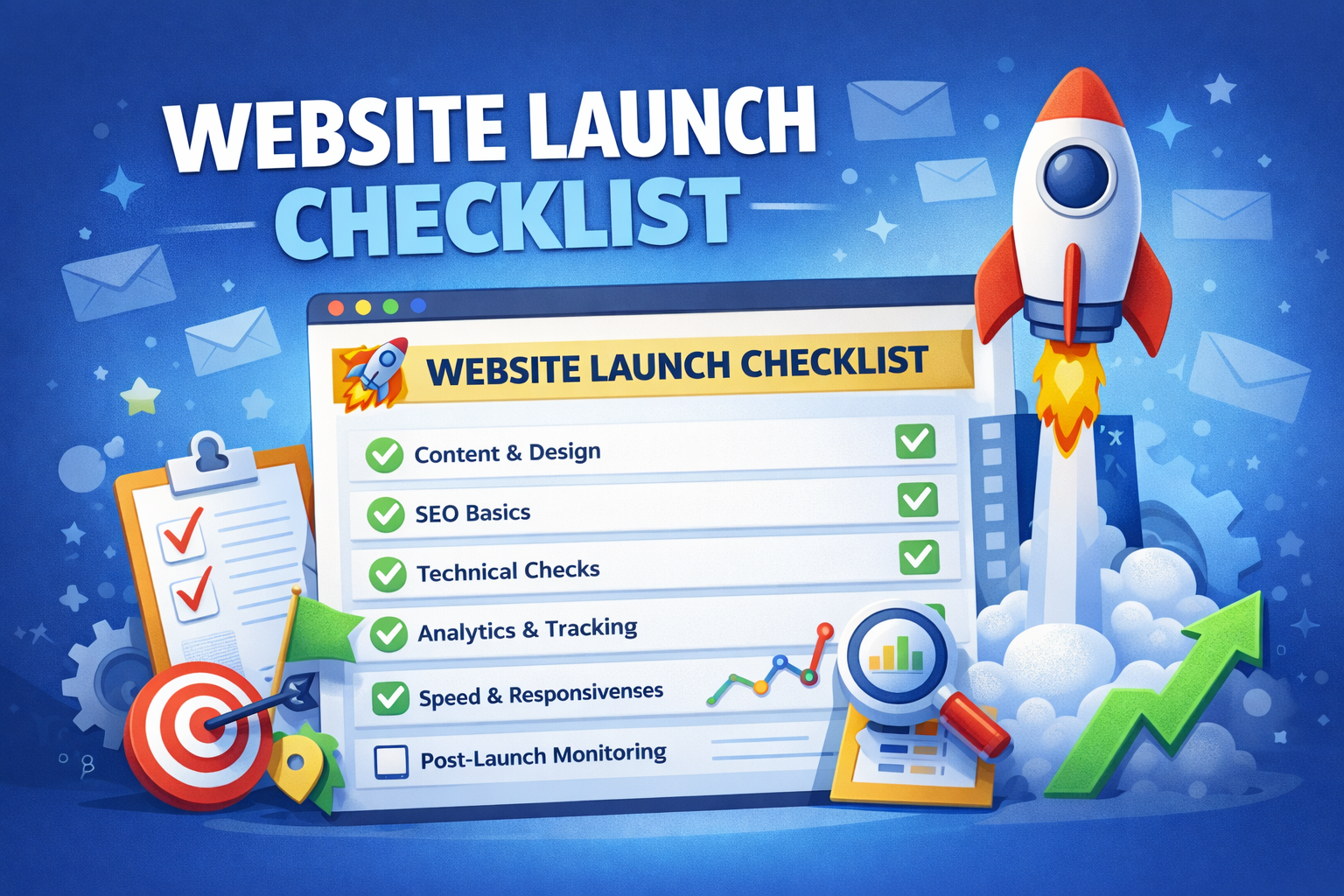
Free Website Launch Checklist Tool
Fill in a few details below and this Website Launch Checklist generator will create a practical pre-launch plan based on your site type and platform.
Tip: the best website launches are boring. That means everything was tested before launch, so users never see broken pages, missing forms, or indexing issues.
How to Use This Website Launch Checklist
- Select your website type and platform.
- Add your main launch goal and any important pages.
- Click Generate Checklist to create a launch workflow.
- Review every section and complete each task before publishing.
- Use the list again on launch day to confirm nothing was missed.
A strong Website Launch Checklist helps you catch the small issues that can create big problems after launch. These include broken forms, missing analytics, incomplete title tags, staging noindex settings, poor mobile layout, and weak internal links.
Why this tool matters
Launching a website is not just about publishing a homepage. A good launch involves quality assurance, SEO checks, speed reviews, design consistency, user testing, and tracking setup. Without a clear system, it is easy to forget one critical detail. This Website Launch Checklist turns launch preparation into a structured process.
What Should a Website Launch Checklist Include?
A complete Website Launch Checklist should cover content, design, SEO, technical setup, analytics, and post-launch monitoring. Many sites go live with obvious avoidable problems simply because no one had a checklist. If your site is meant to generate traffic, leads, or sales, this review process should be treated as part of the build itself.
1. Content review
Check all major pages for grammar, formatting, missing images, incorrect links, inconsistent messaging, and clear calls to action. Navigation labels should make sense, and every important page should have a purpose.
2. SEO setup
Your Website Launch Checklist should include title tags, meta descriptions, heading structure, image alt text, internal links, sitemap access, and indexability checks. If you need help with metadata, the Meta Title & Description Generator can help. If you want stronger page connections before launch, use the Internal Linking Tool.
3. Technical QA
SSL should be active, all pages should resolve properly, redirects should work, and every contact or signup form should be tested. A common launch problem is a page that looks correct visually but fails on function.
4. Analytics and tracking
Google Analytics, Search Console, pixels, and conversion tracking should be installed before launch if possible. That way you can measure traffic and performance from day one.
5. Speed and mobile testing
Test desktop and mobile experiences carefully. Make sure images are optimized, scripts are not excessive, and the layout remains usable on smaller screens.
Who Should Use This Website Launch Checklist?
- Freelancers launching client websites
- Agencies managing multiple site launches
- Startups launching their first site
- Ecommerce stores going live with products and checkout
- Bloggers publishing a new content platform
- Small businesses relaunching or redesigning their site
This Website Launch Checklist is designed for both beginners and experienced website owners. Even advanced teams benefit from a final launch workflow because deadlines can make people skip critical checks.
Best Practices Before Publishing Your Website
Test forms and user actions
Contact forms, lead forms, booking tools, checkout steps, and newsletter signups should all be tested using real submissions. If your main goal is leads or sales, this part of your Website Launch Checklist matters more than almost anything else.
Review indexing settings
One of the most common launch mistakes is a site that remains blocked from indexing because of maintenance mode, noindex headers, or staging settings. Always check that search engines are allowed to crawl the website before launch.
Strengthen internal structure
Important pages should link to each other naturally. A launch-ready website should not have orphan pages or dead ends.
Plan post-launch monitoring
Your Website Launch Checklist should continue after launch. Review Search Console, analytics, speed, form submissions, and user behavior in the first few days. Catching issues early can protect rankings and conversions.
Website Launch Checklist Examples
Here are a few simplified examples of how this checklist changes based on site type:
- Business website: forms, trust pages, local SEO, testimonials, service pages
- Blog: categories, author bio, search visibility, internal links, content formatting
- Ecommerce: checkout, payment testing, shipping, transactional emails, product schema
- Portfolio: project pages, contact form, image optimization, mobile design
- Landing page: CTA clarity, speed, analytics, minimal distractions, form testing
Related Tools on BusinessSuccessTools.com
Authority Resource
For a broader technical reference, Google Search Central’s SEO Starter Guide is a useful companion to any Website Launch Checklist, especially for indexability, crawlability, and basic on-page SEO.
Website Launch Checklist FAQs
What is a website launch checklist?
A website launch checklist is a structured list of tasks you complete before publishing a website. It usually includes content, SEO, forms, analytics, speed, and technical QA checks.
Why do I need a Website Launch Checklist?
A Website Launch Checklist reduces the chance of going live with missing metadata, broken forms, poor mobile layout, indexing issues, or analytics gaps.
Can I use this for WordPress websites?
Yes. This Website Launch Checklist works for WordPress, Shopify, static websites, Webflow, Wix, and most other common website platforms.
What should I test before launching a website?
Test content, links, forms, analytics, speed, mobile responsiveness, SSL, indexing settings, and conversion tracking before going live.
Should I set up analytics before launch?
Yes. Setting up analytics and Search Console before launch helps you measure performance immediately and spot issues faster.
After Launch, Focus on Visibility
A website launch is only the beginning. Use our free tool to find backlink opportunities and start building authority after your site goes live.
Try Free Search Backlinks