This AWeber Review covers one of the most reliable email marketing platforms available for small businesses, bloggers, and creators — a tool that has been setting the standard since 1998. Most email platforms either overload you with features you’ll never use or nickel-and-dime you as your list grows. AWeber does neither, which is exactly why it still earns its place at the top of the shortlist.
- What is AWeber? — AWeber Review Overview
- AWeber Review: Key Features
- Drag-and-Drop Email Builder
- Email Automation and Autoresponders
- Deliverability
- Landing Pages
- Web Push Notifications
- 750+ Integrations
- 24/7 Customer Support
- AWeber Review: Pricing Plans
- AWeber Review: Pros and Cons
- AWeber vs GetResponse — Which Is Actually Better?
- AWeber Review: Who Should Use It?
- AWeber Review: Final Verdict
- AWeber Review: Frequently Asked Questions
This AWeber Review covers everything you need to know: features, pricing, honest pros and cons, and a direct comparison with GetResponse so you can decide which platform is actually right for you.
Free plan available · Paid plans from $12.50/mo
What is AWeber? — AWeber Review Overview
Founded in 1998, it is one of the oldest email marketing platforms in existence, founded in 1998 and credited with pioneering the autoresponder — the automated email sequence that every email tool now includes as standard. Built specifically for small businesses, solopreneurs, coaches, bloggers, and creators who need a dependable email system without a steep learning curve.
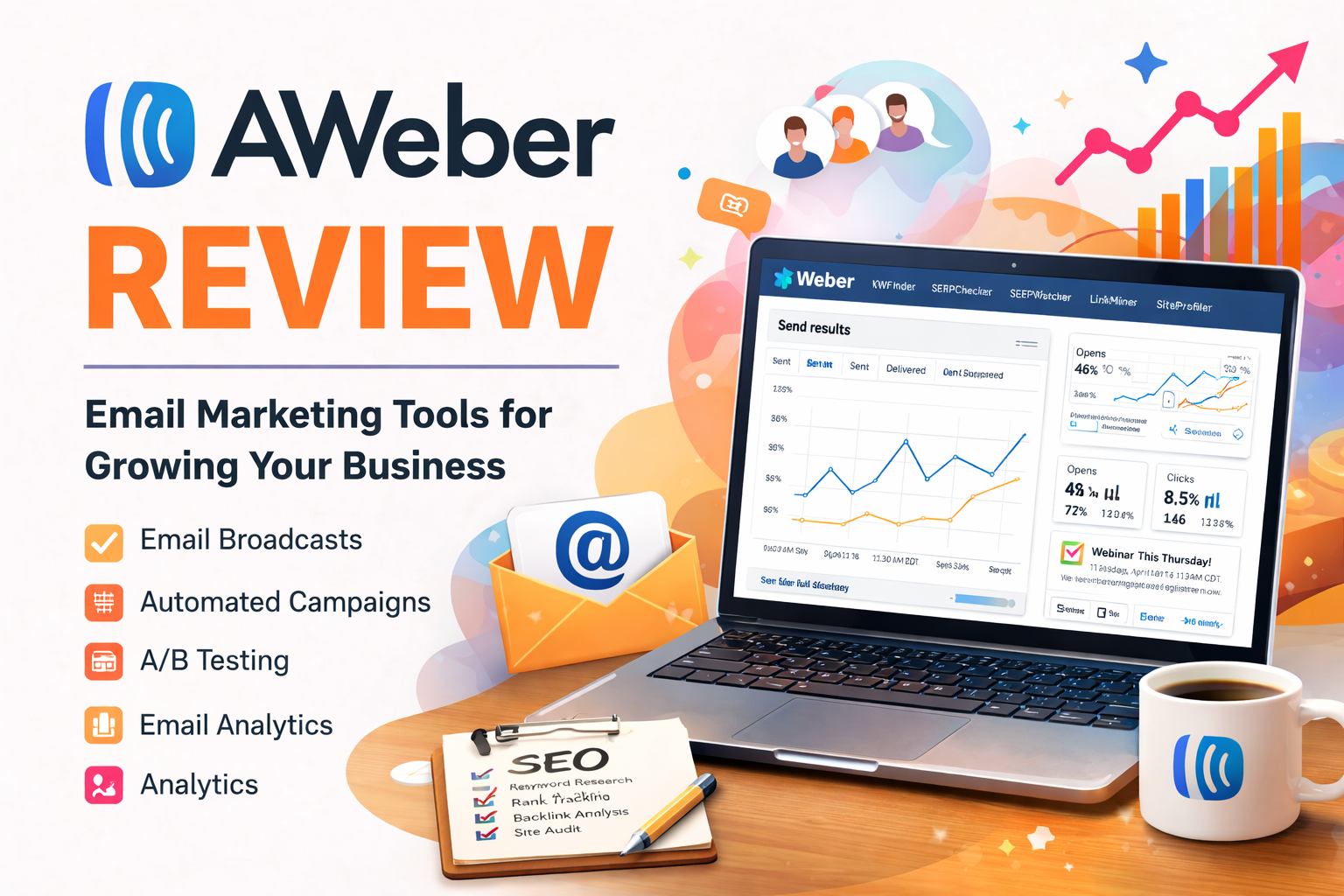
Over 25 years in the industry has given the platform a stability and deliverability track record that newer tools simply haven’t had time to build. While competitors have raced to add webinar builders, CRMs, and funnel tools, the platform has stayed focused on doing email exceptionally well — and backing it with customer support that remains genuinely rare in the SaaS industry.
AWeber Review: Key Features
Drag-and-Drop Email Builder
The builder is clean and approachable. You choose from over 700 pre-designed, mobile-responsive templates or start from scratch with a blank canvas. Content blocks for text, images, buttons, product showcases, RSS feeds, and video thumbnails can all be dragged into place without touching code.
The Smart Designer is a standout addition — paste in your website URL and it automatically pulls your brand colours, logo, and imagery to generate on-brand templates in seconds. This alone saves significant time for small business owners who don’t want to design every email from scratch.
Email Automation and Autoresponders
This was the original autoresponder tool, and that heritage shows. Setting up welcome sequences, drip campaigns, and behaviour-triggered emails is straightforward — you pick a trigger, build a sequence of emails, set delays, and publish. Pre-written campaign templates from the Campaign Marketplace mean you don’t have to start from zero even for complex sequences like abandoned cart, course delivery, or lead nurturing.
The automation is linear rather than branching. You won’t find conditional if/then logic or visual workflow builders on lower plans. For most small businesses, though, linear sequences cover the vast majority of real-world use cases.
Deliverability
Deliverability is where this AWeber Review finds the platform genuinely earning its reputation. Independent deliverability testing consistently scores the platform at 91/100 — placing it firmly in the top tier of email marketing tools. Built-in SPF and DKIM authentication, strict anti-spam policies, and over two decades of sender reputation management mean your emails are far more likely to hit the primary inbox than the promotions tab.
Landing Pages
Every plan includes a landing page builder with professionally designed templates. You can publish pages with custom domains, add sign-up forms, and connect directly to your email sequences — without needing a separate tool like Leadpages or Unbounce for basic use cases.
Web Push Notifications
This is a feature most competitors don’t offer at this price point. The tool lets you send browser push notifications directly to subscribers — reaching them even when they’re not in their inbox. For bloggers and content publishers, this opens a second engagement channel that costs nothing extra.
750+ Integrations
The integrations library covers virtually every business tool you’re likely to use — WordPress, Shopify, WooCommerce, PayPal, Stripe, Zapier, Canva, and hundreds more. Its longer market history means it has more direct native integrations than many newer competitors, including more niche tools across e-commerce, membership platforms, and CRMs.
24/7 Customer Support
This is perhaps the platform’s single biggest differentiator. Phone, live chat, and email support is available around the clock — on all plans, including the free plan. Most competing platforms either limit support to business hours, gate phone support behind premium plans, or replace human agents with AI chatbots. The quality of support here is consistently highlighted in user reviews as a genuine reason to stay.
AWeber Review: Pricing Plans
Pricing scales by subscriber count. All plans include the same core features — the differences are in limits and advanced capabilities.
| Plan | Monthly (annual) | Subscribers | Key limits |
|---|---|---|---|
| Free | $0 | Up to 500 | 3,000 emails/mo, AWeber branding |
| Lite | $12.50/mo | Scales with list | 3 automations, 3 landing pages, 1 segment |
| Plus | $20/mo | Scales with list | Unlimited automations, landing pages, segments, A/B testing, no branding |
| Unlimited | $899/mo | Unlimited | Full access, dedicated account manager |
Annual billing saves around 33% compared to month-to-month. A 14-day free trial is available on all paid plans, and no credit card is needed for the free plan.
Plans from $12.50/mo · Free plan available
AWeber Review: Pros and Cons
- 91/100 deliverability score — one of the best in market
- 24/7 phone, chat, and email support on all plans
- 700+ email templates, Smart Designer auto-branding
- Web push notifications included — rare at this price
- 750+ native integrations — most of any tool in this tier
- Free plan available, 14-day trial on paid plans
- Up to 50% lifetime recurring affiliate commissions
- Lite plan caps automations at 3 — upgrade needed quickly
- No visual if/then automation builder on any plan
- Pricing jumped significantly in December 2024
- No built-in webinar or website builder
- Interface feels dated compared to newer competitors
- Counts duplicates across lists — can inflate subscriber cost
AWeber vs GetResponse — Which Is Actually Better?
GetResponse is the most common alternative people consider when reading any AWeber Review. Both are long-established email marketing tools with free plans and automation features. But they serve different users — and on the metrics that matter most to small businesses, AWeber holds a clear advantage.
| Feature | AWeber | GetResponse |
|---|---|---|
| Deliverability score | ✅ 91/100 — industry leading | ~80% inbox rate — emails often land in Promotions tab |
| Customer support | ✅ 24/7 phone + chat + email — ALL plans | Live chat only on lower plans — phone support gated to premium |
| Free plan | ✅ 500 subscribers, 3,000 emails/mo | 500 contacts — very limited features |
| Native integrations | ✅ 750+ direct integrations | Fewer direct integrations — relies more on Zapier |
| Web push notifications | ✅ Included on all plans | ❌ Not available |
| Email templates | ✅ 700+ templates + Smart Designer | ~200 templates — modern but fewer options |
| Affiliate commission | ✅ 30–50% lifetime recurring | 40–60% for 12 months only — then stops |
| Cookie duration | ✅ 365 days | 90 days |
| Advanced automation | Linear sequences — no conditional branching | ✅ Visual workflow builder with if/then logic |
| Webinar hosting | ❌ Not available | ✅ Built-in webinar tool (paid plans) |
| Best for | Reliability-first small businesses, bloggers, creators | Marketers needing funnels, webinars, advanced automation |
If getting your emails reliably into the primary inbox matters to your business — and for most it should — AWeber wins on deliverability, customer support access, and the breadth of native integrations. GetResponse edges ahead on automation complexity and built-in webinars. For the majority of small businesses and bloggers who don’t need webinars or if/then branching, AWeber is the stronger and more dependable choice.
AWeber Review: Who Should Use It?
Based on this AWeber Review, the platform is a strong fit for:
- Bloggers and content creators who send newsletters regularly and need reliable inbox placement
- Small business owners who want straightforward email without a complex platform to manage
- Coaches and consultants building simple drip sequences and welcome series
- Non-profits and educators — discounts are available for both
- Anyone who values real customer support — the 24/7 phone access alone justifies choosing it over competitors
It’s less suited for:
- Advanced marketers who need complex conditional automation workflows
- Businesses running webinars or needing a built-in funnel builder
- Large lists where GetResponse’s lower per-subscriber pricing may save money at scale
For context on why inbox placement matters so much: email marketing consistently delivers one of the highest returns on investment of any digital channel, making deliverability a business-critical metric rather than a technical nicety. The U.S. Small Business Administration also highlights email as a core tool in its small business management/marketing guidance — and for platforms serving that audience, reliable inbox placement is the baseline expectation.
AWeber Review: Final Verdict
For small businesses, bloggers, and creators who prioritise inbox delivery and genuine support over feature complexity, yes — this AWeber Review verdict is clear: it remains one of the best-value email marketing platforms in 2025.
The one caveat this AWeber Review must flag is the December 2024 price increase, which was a legitimate concern, particularly for users on larger lists. If budget is tight, the gap between the Lite plan and a full-featured Plus plan is something to consider carefully before committing. But for what it delivers — industry-leading deliverability, 750+ integrations, 700+ templates, web push notifications, and round-the-clock human support — the pricing is still competitive against tools offering comparable reliability.
If GetResponse has been on your radar, the deliverability and support comparison above makes a strong case for choosing AWeber instead — especially if your primary goal is getting emails into inboxes and having someone to call when things go wrong.
14-day free trial · Plans from $12.50/mo annually
AWeber Review: Frequently Asked Questions
This article contains affiliate links. We may earn a commission if you purchase through our links, at no extra cost to you.